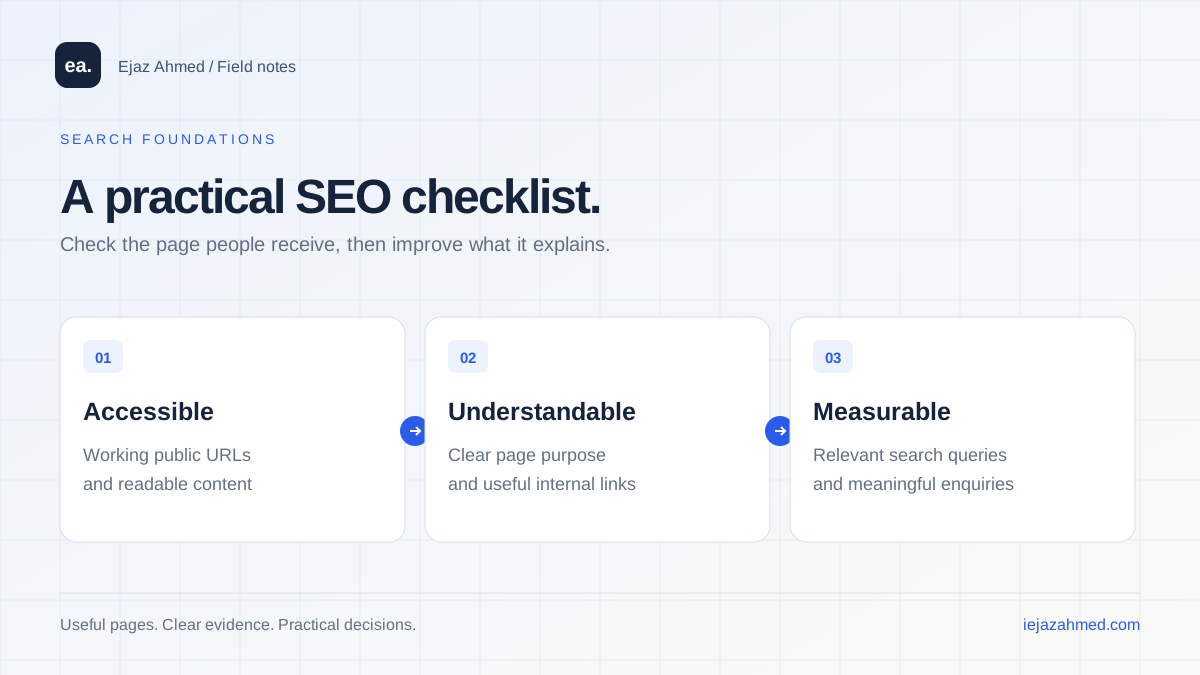
Search engine optimization is the work of making a website easier to discover, understand and use for relevant searches. It combines technical checks with a clear explanation of what the business offers. For a small website, a repeatable checklist is usually more useful than a promise to dominate every search result.
Start with the page and its purpose
Choose one important page and describe who needs it. A case study, a product page and a contact page serve different decisions. The title and main heading should make that purpose recognizable, while the body supplies the details the reader needs.
For example, a school-management case study should explain the workflow and show the interface. A general article about software cannot substitute for that project evidence.
Check the response and the content people receive
Open the URL directly, rather than reaching it only through a menu or a search filter. Confirm that a real page returns a success response and that a missing page returns 404. An unknown URL that displays the homepage as a successful response creates an ambiguous experience.
Inspect the main content and links, including with JavaScript unavailable when that is relevant to your implementation. On this portfolio, article and case-study content is rendered by PHP, while the homepage includes static project and article links. Enhancements such as filters do not need to hide the essential content.
Choose one preferred public URL
Keep a consistent HTTPS hostname and link to it throughout the website. Redirect equivalent old forms where appropriate and use a canonical link that agrees with the intended page. A sitemap should list the preferred URLs, not every protocol and hostname variation.
Check the destination as well as the redirect itself. An old project URL should go to its actual replacement when that relationship is known. Redirecting unrelated missing pages to the homepage does not help a visitor find the missing work.
Build useful links and an accurate sitemap
Connect a service to relevant projects, and connect an article to genuinely related reading. Descriptive link text gives people a reason to follow the link. Important pages should be reachable through ordinary links rather than only after typing into a search field.
A sitemap helps communicate your public URL set. Keep drafts, admin areas and private data out of it. Use real modification dates when available; updating a date every day without changing the article does not make the explanation more useful.
Make content specific and performance usable
Answer the visitor’s decision questions with examples, original screenshots and verifiable detail. Remove unsupported results and overly absolute claims. There is no reason to pad a simple answer to a fixed word count.
Also test a narrow screen, readable text, form labels, image sizing and the next step after an enquiry. Google describes page experience as a set of considerations rather than a single score that guarantees ranking. Performance work should improve the actual experience, not become a claim that a certain score secures a position.
Use Search Console to choose the next investigation
| Observation | Useful next check |
|---|---|
| An important URL has no visibility | Inspect its indexing status, discovery links, response and actual content. |
| Many impressions at low positions | Review query relevance, competing user needs and the evidence on the page. |
| Visible position but few clicks | Check query intent, the title/snippet and how much data the observation contains. |
| Visits but weak enquiries | Test the offer, project explanation and complete contact journey. |
Keep a dated record of substantive changes and compare like-for-like periods. Separate site-wide chart totals from page-level rows when summarizing an export, since report aggregation can differ. Do not diagnose a penalty from a few impressions or treat a short-term change as proof of causation.
Build a focused improvement routine
Work on a small set of important pages, validate the changes and check the resulting behavior. A technical fix, content update and promotional activity may affect different parts of the journey, so record them separately.
For follow-up reading, see local business website checks and SEO, AEO and GEO compared. For a practical product example, explore the retail billing project.
Common questions
Does a sitemap guarantee indexing?
No. It communicates URLs, while discovery, indexing and ranking remain separate processes. Use URL Inspection and the relevant reports to investigate a particular page.
Do I need a particular framework to do SEO?
No. Choose an implementation that delivers usable pages and supports the product. Check the content and responses it produces instead of assuming a framework name establishes search readiness.