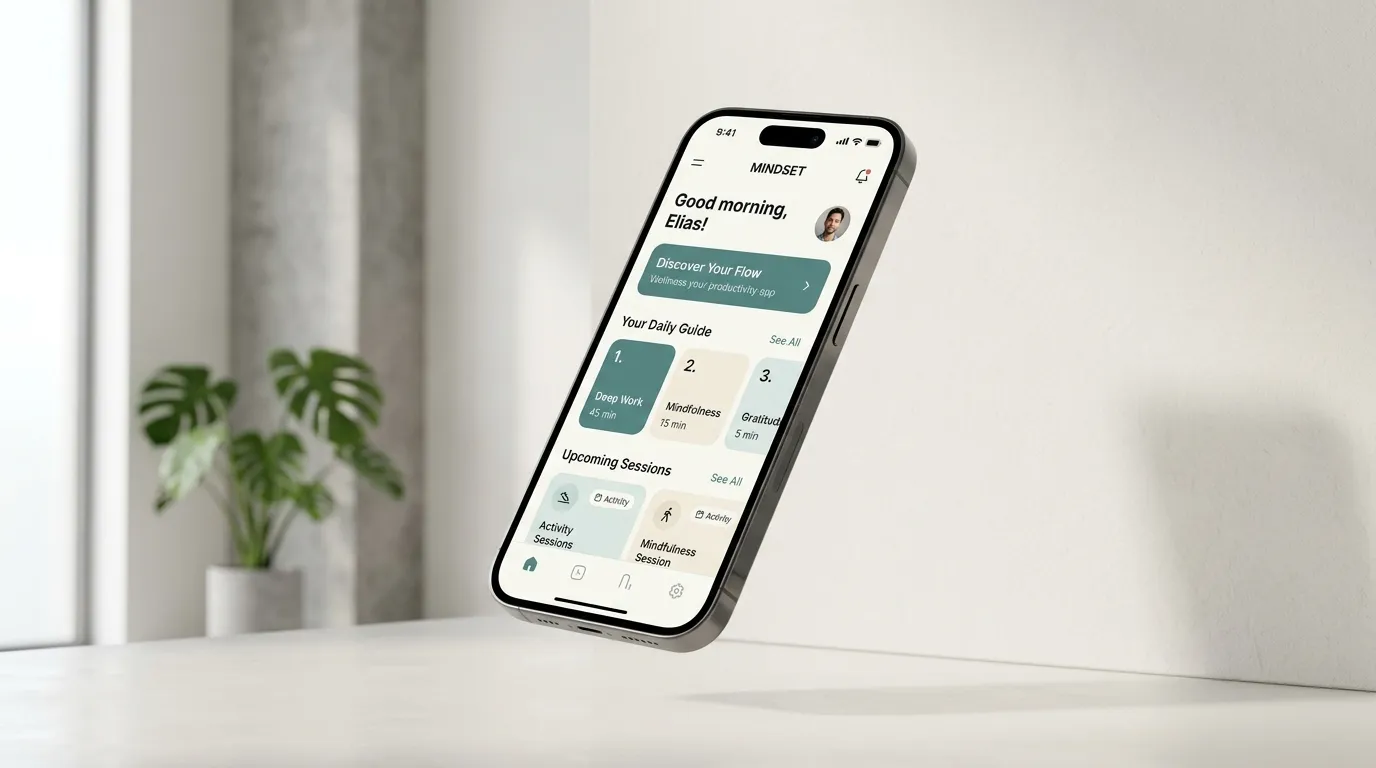
The first platform decision should come from the job people need to complete. A web app can be a good fit for shared business work across devices. An Android app may be appropriate when the phone itself is central to the task. Building either one does not automatically improve your website’s Google rankings.
Start with a task and a user
Write a short description of the person, the repeated task and the current difficulty. “A receptionist needs to record a fee and print the right document” is more useful than “we need an app like a large SaaS platform.”
Then identify the conditions: a desk or a field visit, a shared computer or a personal phone, a printer or a camera, reliable connectivity or an intermittent connection. These conditions make the platform discussion concrete.
When a web app is a sensible starting point
Browser-based software is often useful when staff need access from several kinds of device, or when a workflow includes detailed forms, dashboards and printed outputs. Users can follow a URL to reach it; a responsive interface can adapt the same service to different screen sizes.
My portfolio includes school administration, restaurant operations and retail billing web applications. These illustrate task-based software rather than a requirement to install a native application for every business process.
When Android deserves a closer look
Consider Android when users primarily work on Android phones and a task depends on device integration or a carefully designed mobile experience. Specify the actual requirement: capturing a photo, scanning something, handling a notification or completing a repeated task away from a desk.
Do not assume every native feature, permission or background behavior will work identically on all devices. Include target-device testing and a plan for app updates. Android is a growing focus of my work; the existing web projects should not be mistaken for evidence of completed native Android deployments.
Where a progressive web app fits
A progressive web app builds on the web platform and can offer additional capabilities on supporting browsers. Installation and offline behavior need explicit design and testing; a responsive website does not acquire them simply by being called a PWA.
This can be an option when browser access is useful and an installation-like experience would help regular users. Check the browsers and devices your audience actually uses, and provide a usable fallback when a capability is unavailable.
Compare the complete operating cost
| Question | What to establish |
|---|---|
| Who uses it? | Staff on shared computers, customers on phones, or a specific Android workforce. |
| What device access is needed? | Name the exact camera, printer, file, notification or background requirement. |
| What happens offline? | Specify what can be read, what can be changed, and how conflicts are resolved. |
| How are updates delivered? | Plan the website deployment or app-release process and support responsibility. |
| Where is information kept? | Define accounts, permissions, backup, export and recovery before launch. |
Compare delivery and maintenance together. An app that is easy to launch but difficult for staff to update may be a poor fit. A small browser-based system can also become expensive if its data and support responsibilities were never agreed.
Build one complete workflow first
Choose a small end-to-end task: a student fee payment, a restaurant order or a completed retail invoice. Define the expected result and the failure cases before adding optional modules. A working slice reveals whether the platform fits the job.
See the Android planning checklist for a mobile-specific brief, or the web-development workflow for planning and validation steps. Keep public service pages discoverable separately from the private app interface.
Common questions
Will an Android app directly boost website SEO?
An app is a separate product and channel. Public web content, discoverability and user acquisition still need their own plan; downloads and retention should not be presented as automatic website-ranking improvements.
Can I start on the web and add Android later?
Yes, when the product boundaries and data services support that direction. Agree on ownership, account behavior and the mobile requirements early instead of assuming every screen can be copied unchanged.