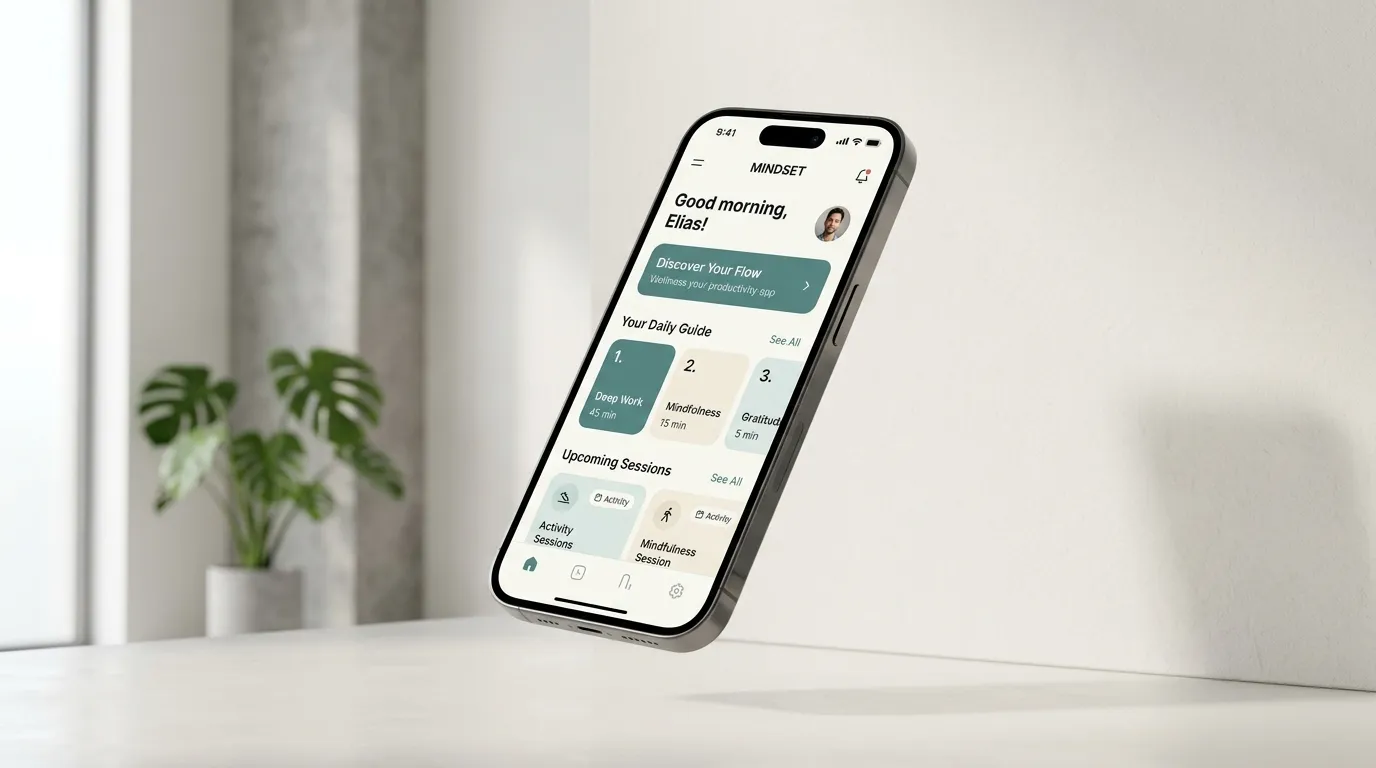
A custom Android app is worth considering when a specific mobile workflow would benefit from it. Start with the person using the phone and the task they repeat, then define the device access and support the application needs. This planning guide reflects Android as a growing focus of my work, alongside the web applications in this portfolio.
Describe one useful mobile task
A practical brief names the user, starting point and completed result. For example, a staff member might need to capture information during a visit and confirm that it reached the office. That is an illustrative requirement, not a claim that an existing project already implements it.
List what must happen when the task succeeds, when the user makes a mistake and when connectivity disappears. These conditions shape the interface and data design more clearly than a list of fashionable app features.
Check whether Android is the right platform
If the work happens mainly on shared computers, involves long forms or depends on printing, a responsive web app may be a suitable starting point. If the task is closely tied to Android phones and specific device behavior, investigate the native requirements.
Read web app vs Android app before choosing the platform. Existing browser-based tools such as ScholarFlow and Shop Invoices help make those workflow differences concrete; they should not be presented as native Android deployments.
Specify offline behavior precisely
“Works offline” is not a complete requirement. Decide which information can be read, which changes can be queued and how conflicting edits are resolved when the connection returns. Explain to the user whether an entry is saved locally, synchronized or still pending.
Android’s offline-first guidance distinguishes local and network data sources. The implementation choice should follow the product’s consistency and recovery needs. Test reconnection, duplicate submissions and a device that loses access before assuming the workflow is reliable.
Make permissions and account access deliberate
Request device access because a named feature needs it, and decide what happens when the user declines. A camera permission should correspond to an understandable task, not an unexplained prompt at first launch.
Also define account roles, sign-out behavior, lost-device handling and the information available on the phone. A business owner should know how access can be removed and what data remains on a device. Use the official Android security guidance when reviewing the implementation, rather than treating an attractive login screen as proof of protection.
Plan links between the website and the app
A shared business link needs a sensible destination. When appropriate, verified Android App Links can connect a website URL to app content. The website should still explain the offering to someone who has not installed the app.
Define the destination for an installed app, an uninstalled app and an expired or inaccessible record. A private invoice or student record should not become publicly accessible merely to make a deep link convenient.
Include testing and release support in the brief
- Name the target device types and Android versions to test, based on the audience.
- Check slow connections, permission denial, long text and interrupted tasks.
- Agree on who manages releases, signing material and production access.
- Define a way to report failures and identify the affected app version.
- Confirm how users receive important updates and how records can be exported or recovered.
Prepare a brief before asking for an estimate
Bring the workflow, a few representative screens or sample forms, the data involved and the device requirements. Mark which features are essential for the first usable version. This gives the development discussion a concrete scope.
For a broader planning process, see the build and review workflow. For an education product with existing screenshots, explore the ScholarFlow walkthrough.
Common questions
Does the first Android release need AI features?
Only when a specific task benefits from them and the requirements can be tested. Ordinary forms, reliable synchronization and understandable errors can be more important to a business workflow.
Can a website and Android app share the same business service?
They can, when the account, authorization and data interfaces are designed for that use. Sharing a backend does not remove the need to test the different clients and device behavior.